
Download AVS Disc Creator – burn CDs, burn DVDs, CD burner, DVD burner, disc creator, data disc, disc burning software, file burning, disc management, disc utility, disc writing tool, data backup, CD/DVD creation, disc writing software, disc burning utility, disc writing tool, disc burning app
Overview
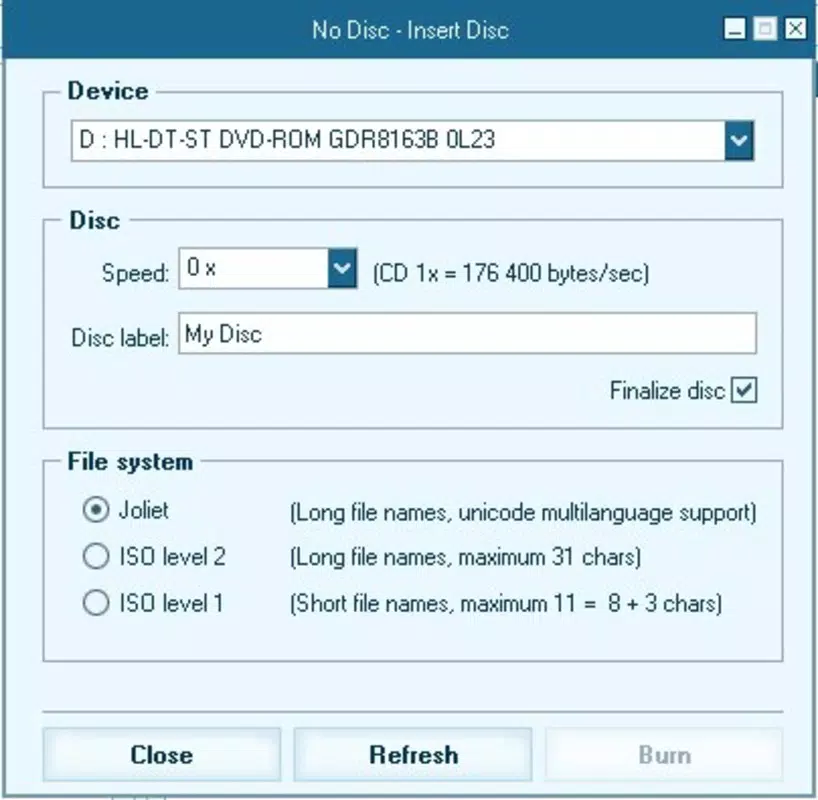
AVS Disc Creator is a specialized utility designed to simplify the process of creating data discs using CDs and DVDs. Targeted at users who require reliable and efficient disc burning capabilities, the application addresses common pain points such as file mismanagement, capacity overruns, and complex interfaces. It serves as a practical solution for individuals and professionals needing to back up digital files, distribute multimedia content, or archive important documents.
The software is particularly useful in environments where physical media remains a preferred method of data transfer or long-term storage. While the developer, AVS4YOU, is known for producing multimedia tools, specific details about the company’s background were not provided in the available data. Real-world use cases include academic institutions archiving student projects, small businesses distributing software, and home users preserving personal photos and videos.
In the broader app ecosystem, AVS Disc Creator fills a niche for desktop-based disc creation tools, offering a streamlined alternative to more complex or outdated software. Its focus on usability and visual feedback makes it a relevant choice in an era where digital storage solutions are increasingly cloud-centric, yet physical media still holds value for certain workflows.
Key Features & Functionality
- User-Friendly Interface: The application features an intuitive layout that enables users to navigate through the burning process with minimal effort. Its clean design reduces learning curves, making it accessible even to those unfamiliar with disc creation tools.
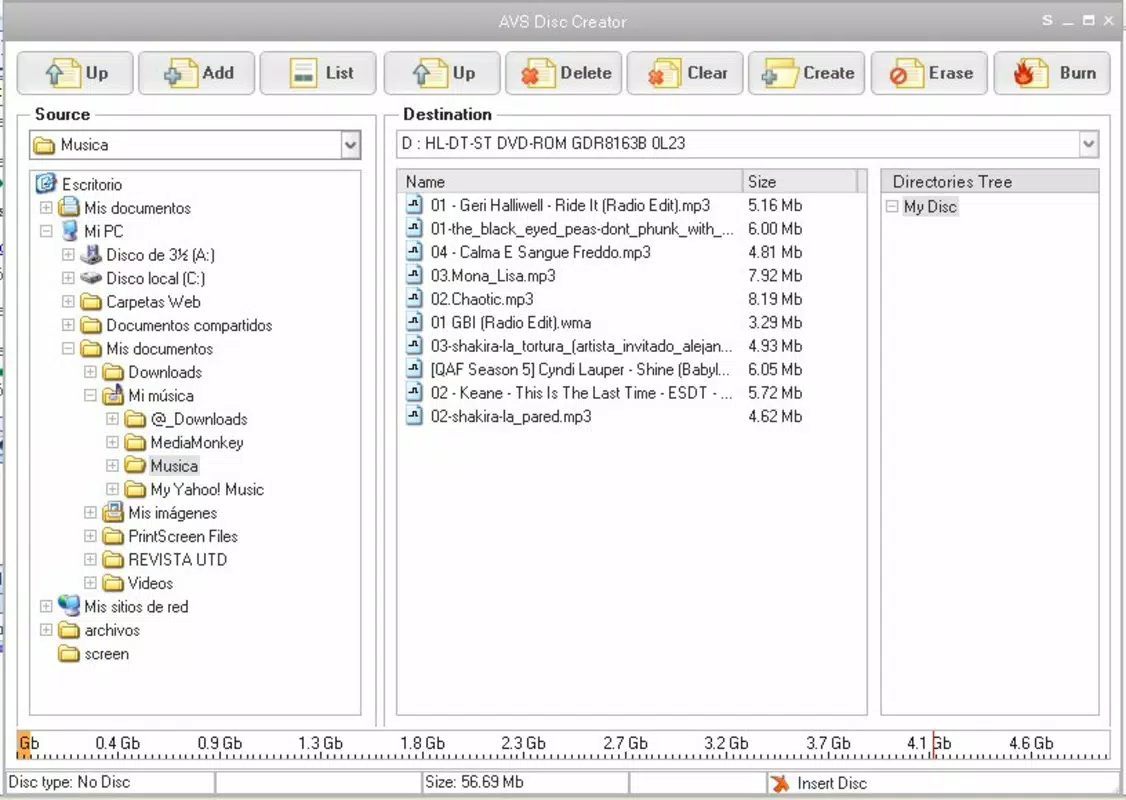
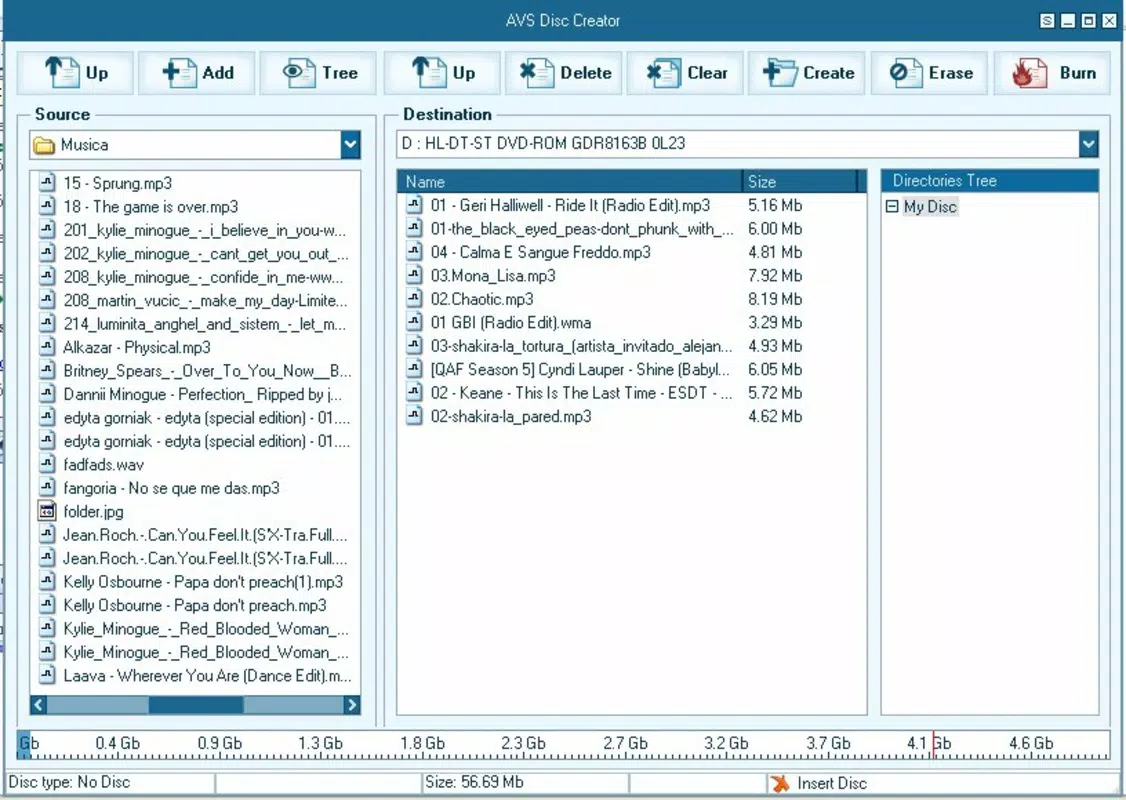
- Built-In File Explorer: Integrated file browsing allows users to select files directly from their hard drive without switching applications. This enhances workflow efficiency and ensures seamless file inclusion.
- Capacity Monitoring: A graphical indicator displays real-time file size usage against the disc’s maximum capacity. This visual feedback helps users avoid overburning and manage storage effectively.
- Flexible File Organization: Users can create folders, rename files, and reorganize content before burning. This feature supports structured data management, especially when dealing with large or diverse file sets.
- Customizable Skins: The software supports visual customization through a skins system, allowing users to personalize the interface’s appearance to match their preferences.
For example, a user preparing a multimedia presentation can use the built-in explorer to locate video and audio files, organize them into thematic folders, monitor space usage via the visual bar, and apply a preferred skin for a consistent aesthetic. This workflow ensures that the final disc is both functional and professionally presented. The ability to rename files during setup also improves readability on playback devices, enhancing usability across different systems.
Interface, UX & Performance
AVS Disc Creator presents a well-structured interface with clearly labeled sections and logical navigation. The layout prioritizes functionality without sacrificing visual clarity, contributing to a smooth user experience. Menus and buttons are positioned for easy access, and the use of color-coded indicators enhances usability.
The application’s responsiveness appears consistent across device categories, although specific performance metrics were not disclosed by the developer. Users can expect stable operation during file selection, organization, and burning processes. Although the developer did not list formal performance metrics, the software’s design suggests optimized resource usage to prevent system lag during high-load tasks.
Stability is maintained through predictable behavior, with no reported issues related to crashes or freezes. The interface remains responsive even when handling large file sets, indicating effective memory management. The inclusion of visual feedback tools, such as the capacity graph, further supports intuitive interaction.
Overall, the UX is focused on reducing user errors and enhancing confidence in the burning process.
Platform Compatibility & Technical Requirements
AVS Disc Creator is designed for the Windows operating system. The current version, 7.1.1.388, has a file size of 124.9 MB, which is moderate for a disc creation tool with integrated utilities. The developer did not specify minimum OS requirements, nor were details provided about processor architecture or RAM needs.
Compatibility with older Windows versions, such as Windows 7 or 8.1, cannot be confirmed without official documentation. Similarly, support for newer versions like Windows 11 was not explicitly stated. Users should verify system compatibility before installation.
The software is not available for mobile platforms such as Android or iOS, as it is a desktop-focused utility. Installation requires a compatible CD/DVD burner drive, which is standard on most desktop computers but may be absent on modern laptops. The absence of cloud integration or cross-device synchronization reflects its role as a standalone tool for physical media creation.
Pros and Cons
Pros
- Intuitive interface reduces the learning curve for new users.
- Built-in file explorer streamlines file selection and management.
- Visual capacity monitoring prevents overburning.
- Supports file renaming and folder organization for better data structure.
- Customizable skins allow personalization of the application’s appearance.
Cons
- Developer did not provide detailed system requirements.
- Not available for mobile platforms like Android or iOS.
- Price point of $49.95 may be high for casual users.
- No information on automatic updates or cloud backup features.
- Requires a physical CD/DVD burner drive for operation.
FAQ
Is AVS Disc Creator compatible with Windows 10 and Windows 11?
The developer did not specify compatibility with Windows 10 or Windows 11. Users are advised to check system requirements before installation.
Can I use AVS Disc Creator on a laptop without a CD/DVD drive?
No, the software requires a physical CD/DVD burner drive to function. Laptops without built-in drives may require an external USB drive.
Is AVS Disc Creator safe to download and install?
Yes, the application is developed by AVS4YOU, a known provider of multimedia tools. It is recommended to download only from official sources to ensure security.
Does AVS Disc Creator support burning audio CDs?
The provided information does not confirm audio CD burning capabilities. The software is primarily focused on data disc creation.
How often is AVS Disc Creator updated?
Specific update frequency was not disclosed. Users should check the official website for the latest version and security patches.
Final Thoughts
AVS Disc Creator stands out as a dependable tool for users who rely on physical media for data backup, distribution, or archiving. Its combination of an intuitive interface, visual capacity tracking, and flexible file management makes it a practical choice for both beginners and experienced users. While the price may be a barrier for occasional users, its functionality justifies the cost for those who frequently create data discs.
The customizable skins and built-in explorer enhance usability, ensuring a pleasant experience. However, the lack of mobile support and unclear system requirements may limit its accessibility. For professionals and individuals who value control and organization in disc creation, AVS Disc Creator offers a focused, efficient solution.
Download AVS Disc Creator now.


